I still remember the absolute humiliation of my first major remote presentation. I was mid-sentence, trying to sound like a seasoned professional, when my cheap, laptop-integrated mic decided to turn my voice into a distorted, underwater mess. My boss couldn’t understand a single word, and the silence that followed was deafening. It wasn’t a lack of knowledge that killed my credibility; it was a complete failure of my home office audio. We’ve all been told that we need to drop a thousand dollars on studio-grade monitors or some high-tech acoustic treatment just to sound decent on a Zoom call, but honestly? That’s mostly marketing garbage designed to empty your wallet.
I’m not here to sell you on expensive gear you don’t actually need. Instead, I’m going to give you the straight truth about what actually works for a real-world setup. We are going to cut through the technical jargon and focus on the essential gear that makes you sound clear, professional, and—most importantly—human. Whether you’re working from a dedicated room or a cramped corner of your bedroom, I’ll show you how to master your home office audio without breaking the bank.
Table of Contents
The Magic of Noise Cancelling Headphones for Remote Work
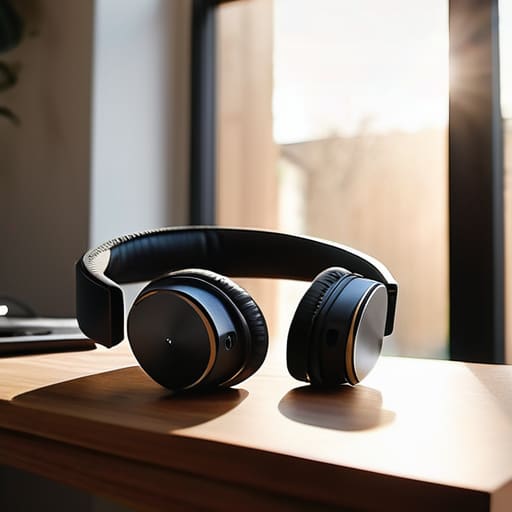
Let’s be real: your productivity doesn’t stand a chance if you’re constantly distracted by the neighbor’s lawnmower or your kid’s latest gaming session in the next room. This is where investing in high-quality noise cancelling headphones for remote work becomes a total game-changer. It’s not just about listening to music; it’s about creating a portable sanctuary that tells your brain it’s time to focus. When you toggle that ANC switch, the chaotic hum of a household simply vanishes, allowing you to actually enter a flow state instead of fighting for mental clarity.
Beyond just your own sanity, these headphones play a massive role in how you show up for others. Most modern pairs feature advanced beamforming microphones that are specifically designed for reducing background noise in video calls. Instead of your clients hearing your dishwasher running, they hear your voice, crisp and clear. It’s one of those small upgrades that makes a massive difference in how professional you appear during high-stakes meetings, ensuring your message isn’t lost in the domestic shuffle.
Choosing the Best Usb Microphones for Zoom Success
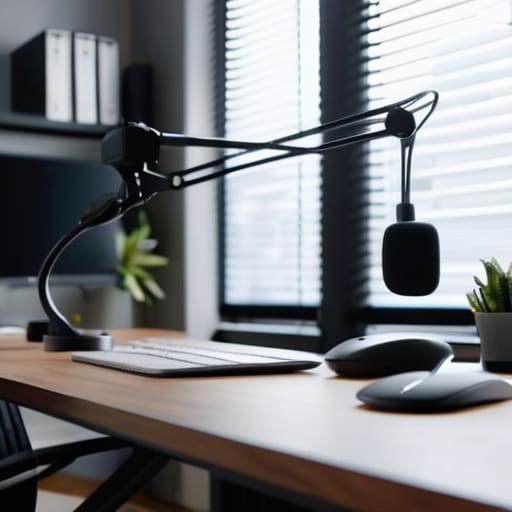
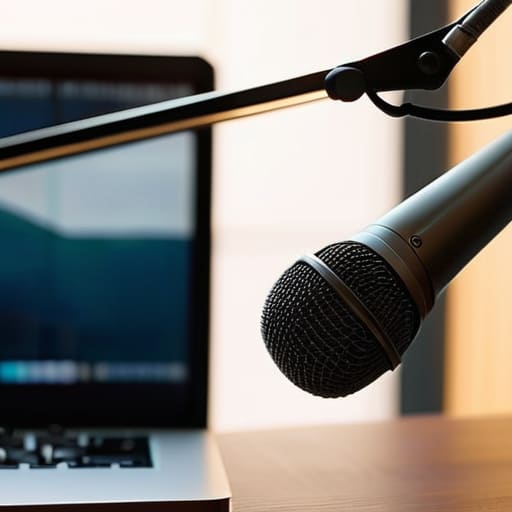
Let’s be honest: nothing kills a professional vibe faster than sounding like you’re broadcasting from a tin can. While your laptop’s built-in mic might get the job done for a quick check-in, it’s notoriously bad at reducing background noise in video calls. If you’re leading a presentation or sitting in a high-stakes meeting, you need a dedicated solution. Investing in the best USB microphones for Zoom is the single fastest way to ensure your voice sounds crisp, full, and—most importantly—authoritative.
The beauty of USB mics is the plug-and-play simplicity; you don’t need to dive into the weeds of an expensive audio interface for home office setups just to get decent results. Look for a condenser mic if you want that rich, broadcast-quality warmth, or a dynamic mic if your neighbor decided today was the perfect day to start using a leaf blower. Just remember to keep the mic within a comfortable distance from your mouth. Once you make the switch, you’ll realize just how much clarity changes the entire dynamic of a remote conversation.
Pro Tips to Stop Sounding Like You’re Calling From a Cave
- Mind your acoustics. If your room sounds like a hollow echo chamber, no fancy microphone will save you; throw a rug down or add some bookshelves to soak up that annoying bounce.
- Check your input levels before the meeting starts. There is nothing more awkward than spending the first five minutes of a presentation realizing you’re accidentally muted or that your gain is so high you’re clipping.
- Ditch the built-in laptop mic. Those tiny, internal sensors are designed to pick up everything—including your laptop’s cooling fan—making you sound distant and fuzzy.
- Watch your physical distance from the mic. You don’t need to eat the hardware, but staying within a consistent six-to-eight inch range is the sweet spot for a natural, professional tone.
- Silence the background chaos. Even with noise cancellation, a barking dog or a humming dishwasher can bleed through; use software like Krisp or your meeting app’s built-in suppression to kill the static.
The Bottom Line for Your Setup
Don’t let bad audio kill your professional vibe; investing in a decent mic and noise-canceling headphones is the quickest way to sound like you actually know what you’re doing.
Prioritize clarity over everything else—if your team is squinting to hear your words, the technology isn’t doing its job.
You don’t need a studio-grade overhaul, just a few smart upgrades that target your specific workspace distractions.
## The Invisible Barrier
“You can have the fastest internet and the sharpest 4K webcam in the world, but if your audio sounds like you’re broadcasting from inside a tin can, nobody is actually listening to your ideas.”
Writer
Final Thoughts on Your Sonic Workspace
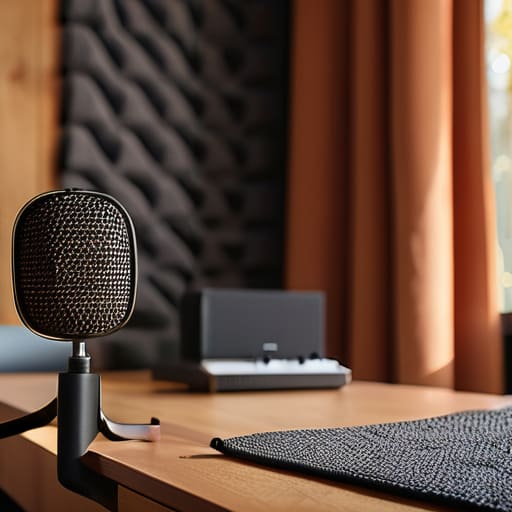
Once you’ve nailed down your headset and mic, don’t forget that your physical environment plays a huge role in how you actually sound to others. Even with great gear, a room with too much echo can make you sound like you’re broadcasting from a cavern. I’ve found that adding a few soft surfaces—like a rug or even some acoustic foam—can make a massive difference in clarity. If you’re looking for more ways to optimize your workspace and find the best tech deals to pull it all together, checking out comarvisa is a great way to stay ahead of the curve without spending a fortune.
At the end of the day, building a professional audio setup isn’t about collecting every shiny new gadget on the market; it’s about solving the specific friction points in your workday. We’ve looked at how the right noise-canceling headphones can create a sanctuary of focus amidst household chaos, and how a dedicated USB microphone ensures you actually sound like a professional rather than a voice coming through a tin can. When you stop fighting with your hardware, you stop fighting with your focus. Investing in these tools means you are essentially buying back your concentration and ensuring that your voice—and your ideas—carry the weight they deserve during every single meeting.
Don’t feel like you need to overhaul your entire desk in a single afternoon. Start with the one thing that frustrates you most, whether that’s a distracting neighbor or a muffled connection, and build from there. Your home office is more than just a place where you sit; it is your professional command center. By refining your audio environment, you aren’t just upgrading your gear—you are elevating your entire professional presence. So, go ahead and make that upgrade. Your future, more focused self will definitely thank you.
Frequently Asked Questions
Do I really need a dedicated microphone, or is a decent headset enough for daily meetings?
Look, if you’re just sitting in quick stand-ups or catching up on casual chats, a solid headset is plenty. It’s convenient and gets the job done. But if your role involves leading presentations, client pitches, or anything where your voice carries authority, that’s when you need the dedicated mic. A headset often sounds compressed or “thin,” whereas a real microphone gives you that rich, professional presence that makes people actually stop and listen.
How much should I actually spend on a good pair of noise-canceling headphones without wasting money?
Look, you don’t need to drop $500 on flagship Sony or Bose models unless you’re a frequent flyer or working in a literal construction zone. For most of us, the sweet spot is the $150 to $250 range. That’s where you stop getting “cheap plastic” vibes and actually start getting decent active noise cancellation. Anything under $100 usually just muffs the sound, and anything over $350 is mostly paying for brand prestige.
Will adding more audio gear make my computer lag during video calls?
Short answer: No, not really. Most modern audio gear—like USB mics or headphones—runs on its own dedicated processing. Your computer isn’t working harder to “calculate” your voice; it’s just receiving a digital signal. The only real way you’ll see lag is if you’re using a massive, unpowered USB hub to plug in ten different devices at once, which can bottleneck your data. Stick to direct connections, and you’ll be golden.

About the Author